Press a hotkey from any application, say what you're thinking, and the text appears at your cursor. That's it. Works offline or with cloud APIs.
Run everything on your hardware for maximum privacy, or tap into cloud APIs when you need the highest accuracy.
Powered by faster-whisper, running entirely on your hardware. Download a model once, then transcribe forever with zero internet.
Send audio to OpenAI Whisper or Google Gemini for top-tier accuracy. Only triggered when you press the hotkey.
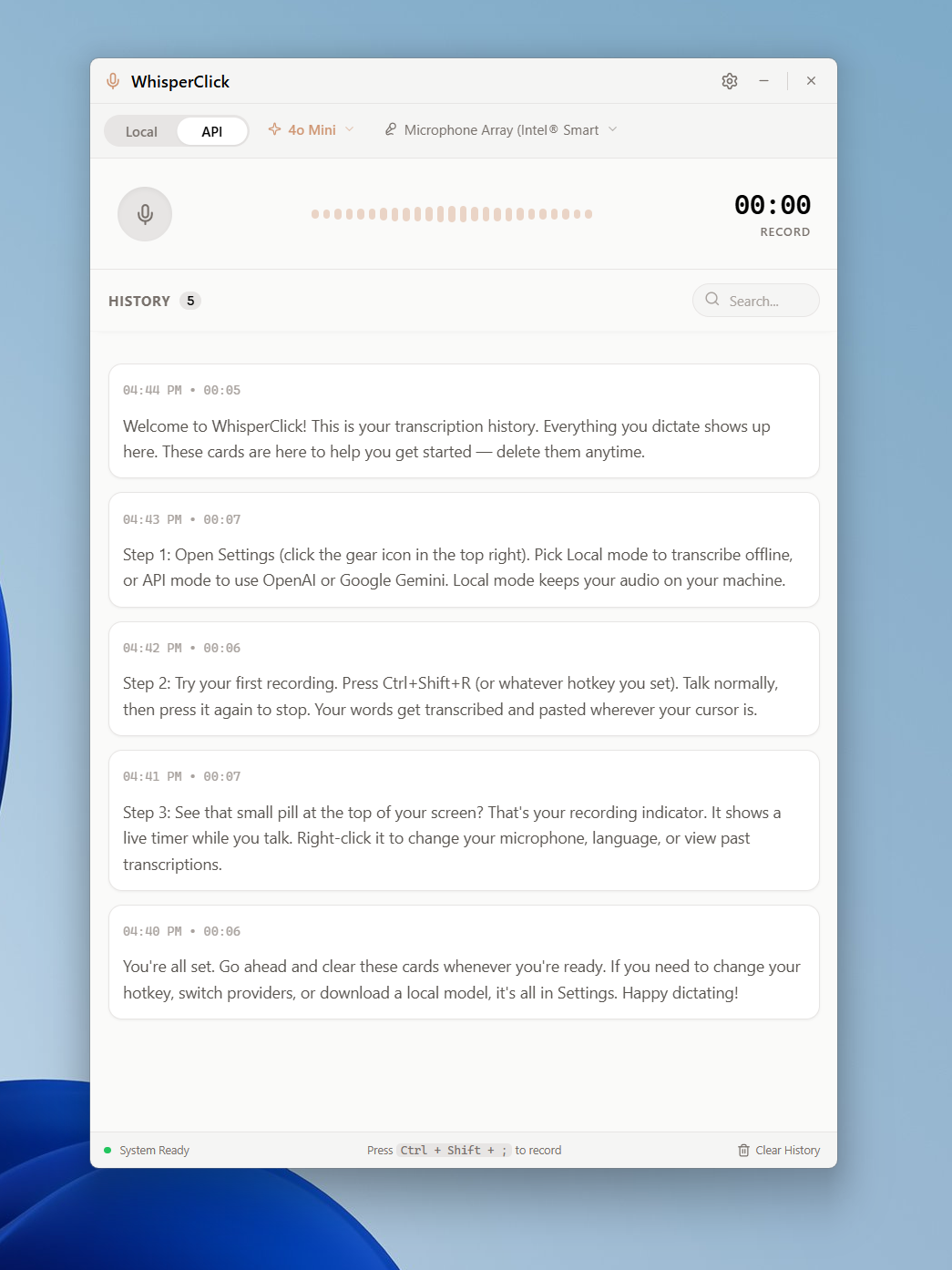
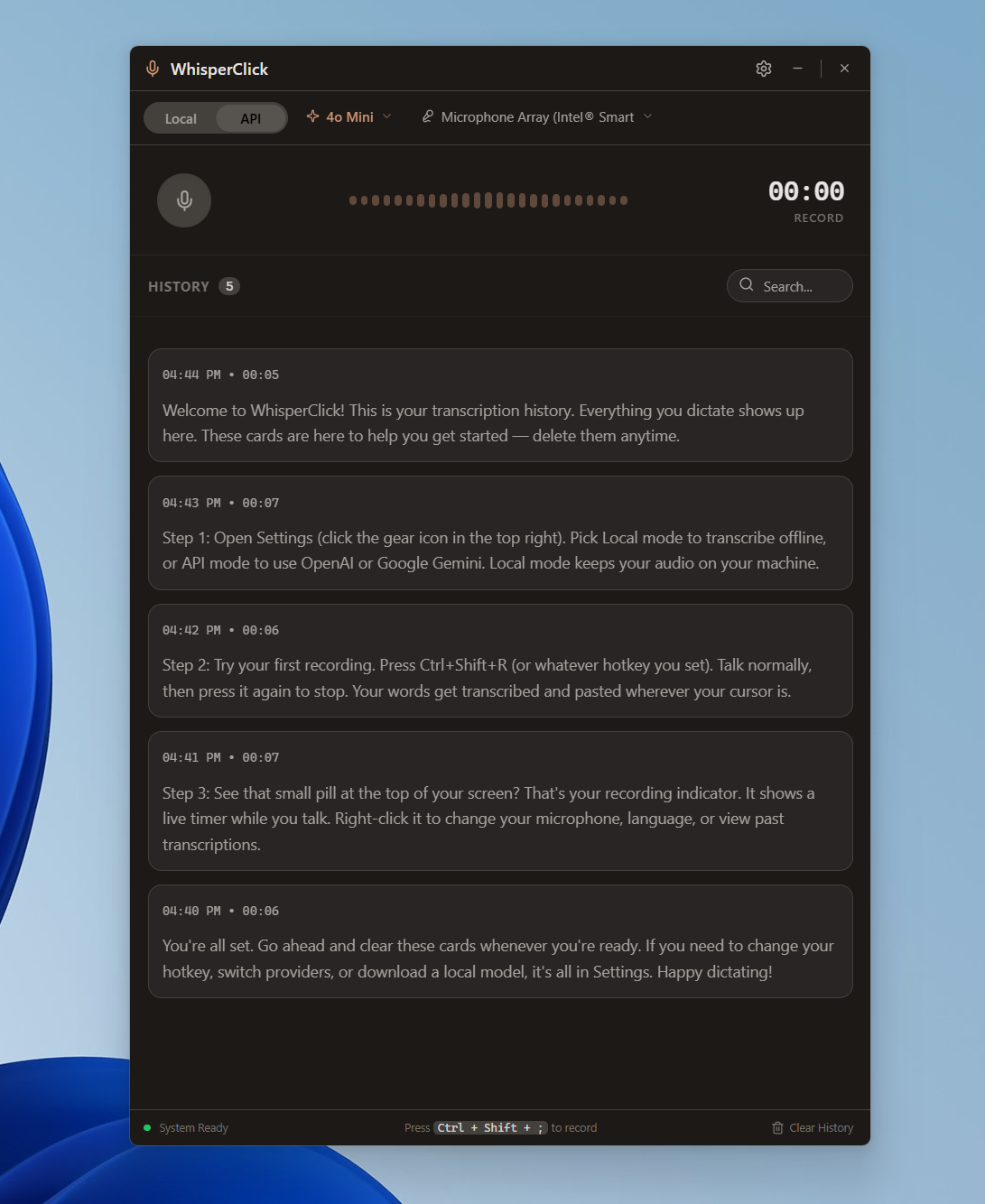
A polished interface for managing your settings, history, and transcription preferences.
Idle — sits quietly at the bottom of your screen
Hover — shows your hotkey and how to start dictating
Recording — live audio visualization with cancel and stop
Built for speed and simplicity. No bloat, no setup wizards, no accounts.
Email, Slack, your IDE, Google Docs, a terminal — one global hotkey triggers recording wherever you are. No plugins needed.
Local mode processes audio entirely on your hardware using faster-whisper. No cloud, no network, no exceptions.
Text is transcribed and pasted at your cursor automatically. No copy button, no extra window. Talk, stop, done.
Supports every language Whisper handles, with automatic detection. Switch languages in the tray menu or let it detect.
Every transcription is saved with the original audio recording. Search your history and play back what you said.
Lives in the system tray. A tiny floating pill appears only while recording, with audio bars, cancel, and stop controls.
No account, no sign-up, no configuration required. Just install and go.
Run the installer or extract the portable zip
Ctrl+Shift+R starts recording
Speak naturally — say whatever you're thinking
Text appears at your cursor, already pasted
Anywhere you'd normally type, you can talk instead.
Compose emails, Slack messages, and chat replies at the speed of thought.
Dictate documentation, code comments, and commit messages from your IDE.
Capture ideas into Notion, Obsidian, or any text editor without breaking focus.
Reply in Discord, Teams, or any social app. Long replies are finally easy.
No telemetry, no analytics, no background network calls. We don't collect anything.
No telemetry, crash reports, or usage tracking. Nothing is ever sent to WhisperClick developers or any third party.
Audio is processed entirely on your machine. No internet connection is used. Nothing leaves your computer. Ever.
There is no always-on microphone. Audio is captured only when you explicitly press the hotkey. Nothing else triggers recording.
Free for personal use. Source available. No account required.
Installs to your system with a Start Menu shortcut. Best for most users.
Download .exeUnzip and run. No install needed. Great for USB drives and shared machines.
Download .zipOne executable. Drop it anywhere and double-click to run.
Download .exeWe're building a native macOS version with the same offline-first privacy, global hotkey, and auto-paste workflow. Same app, built for the Mac.
Watch for updates on GitHubWhisperClick is source-available under CC BY-NC-SA 4.0. Clone the repo, build from source, or read every line of code that touches your microphone.
View on GitHub# Clone and run from source git clone https://github.com/Zbrooklyn/WhisperClick-Desktop-App.git cd WhisperClick-Desktop-App python -m venv venv venv\Scripts\activate pip install -r requirements.txt python src/main.py